
Start with a product.
Paste a product URL or use the Chrome extension. Find captures the listing, product image, retail price, and key specifications automatically—so you can start sourcing without rebuilding the product brief.
SOURCING INTELLIGENCE
Paste a product URL or describe what you're looking for. Find matches supplier sources, pricing signals, and sourcing context across 1688 and Alibaba.
HOW FIND WORKS
Start with a product. Find surfaces supplier matches, compares the sourcing economics, and keeps the research ready for your next decision.
Paste a product URL or use the Chrome extension. Find captures the listing, product image, retail price, and key specifications automatically—so you can start sourcing without rebuilding the product brief.
Find compares candidates across 1688 and Alibaba, then ranks them using product similarity, pricing, supplier signals, and sourcing confidence—so the strongest matches rise to the top.
See supplier prices, MOQ, price range, match confidence, and sourcing signals side by side before you contact a factory. Shipping and net margin stay clearly marked until enough data is available.
Keep supplier matches, pricing snapshots, and search history together in Find Workspace—so you can return, compare changes, and continue sourcing without starting over.
SOURCING EVIDENCE
Find surfaces the product, pricing, supplier, and confidence signals behind each match—so you can understand why a supplier was surfaced before you contact them.
Find Suppliers| SIGNAL | EVIDENCE | CONFIDENCE | RESULT |
|---|---|---|---|
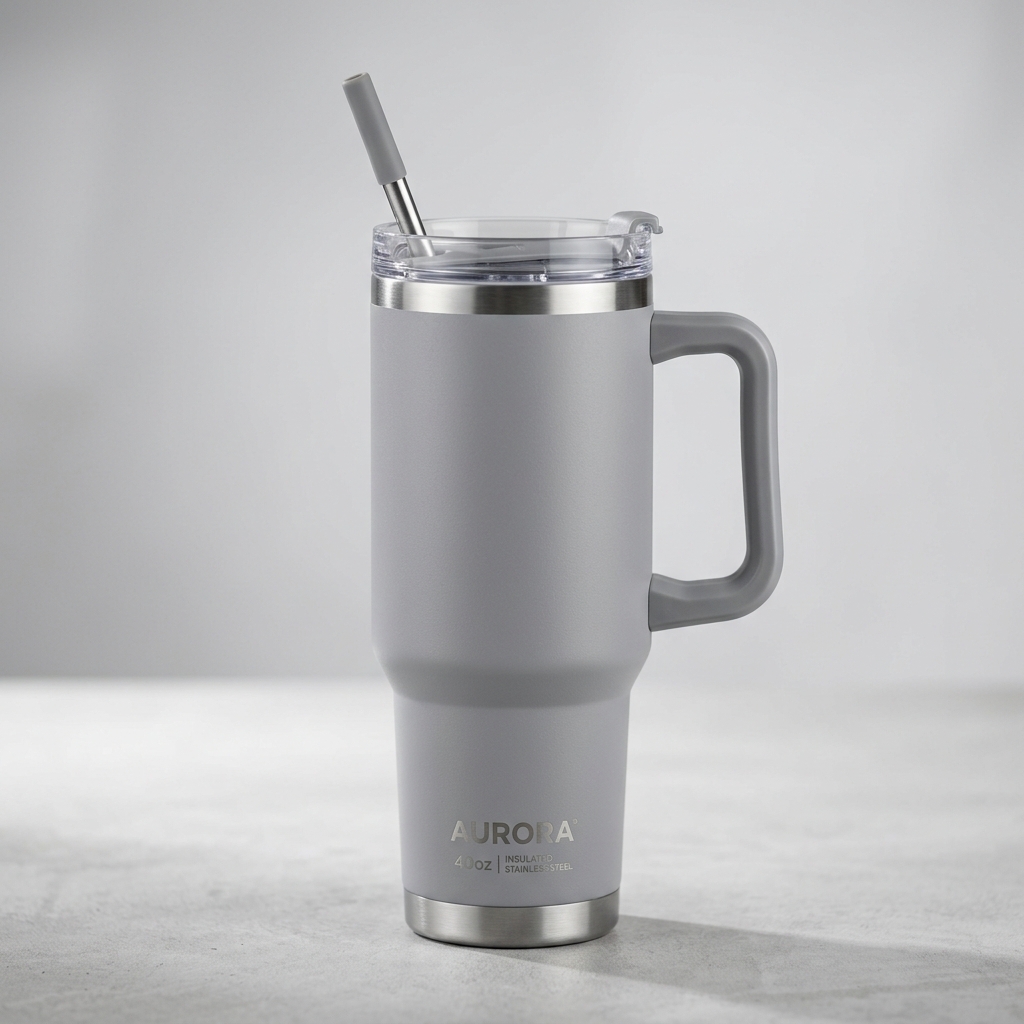
| Product Match | 40oz insulated tumbler · 304 stainless steel · handle + straw lid | HIGH | MATCH |
| Price Evidence | Matched supplier range ¥19.80 – ¥24.60 · MOQ from 50 pcs | HIGH | STRONG |
| Supplier Signals | 1688 supplier · operating-history and transaction signals available | MEDIUM | REVIEW |
CHROME EXTENSION + WORKSPACE
Open Find from a supported product page, capture the product context, and continue supplier discovery, pricing comparison, and sourcing research inside Find Workspace.
CHROME EXTENSION
Browse the product normally, then open Catalayer Find to carry the page context into supplier research without rebuilding the search from scratch.
WORKFLOW ENTRY
Get Chrome Extension →FIND BROWSER HANDOFF
CONTINUE
Open Find Workspace →KEEP CONTEXT
Preserve the product identity and source page as the starting point for sourcing research.
COMPARE SOURCES
Continue into 1688 and Alibaba supplier discovery without manually rebuilding the query.
CONTINUE RESEARCH
Review matches, pricing signals, saved searches, and historical sourcing snapshots in one place.
PRODUCT FLOW
READY TO SOURCE
Paste a product URL or search by keywords to start supplier discovery across 1688 and Alibaba.